V-CMS 1.0
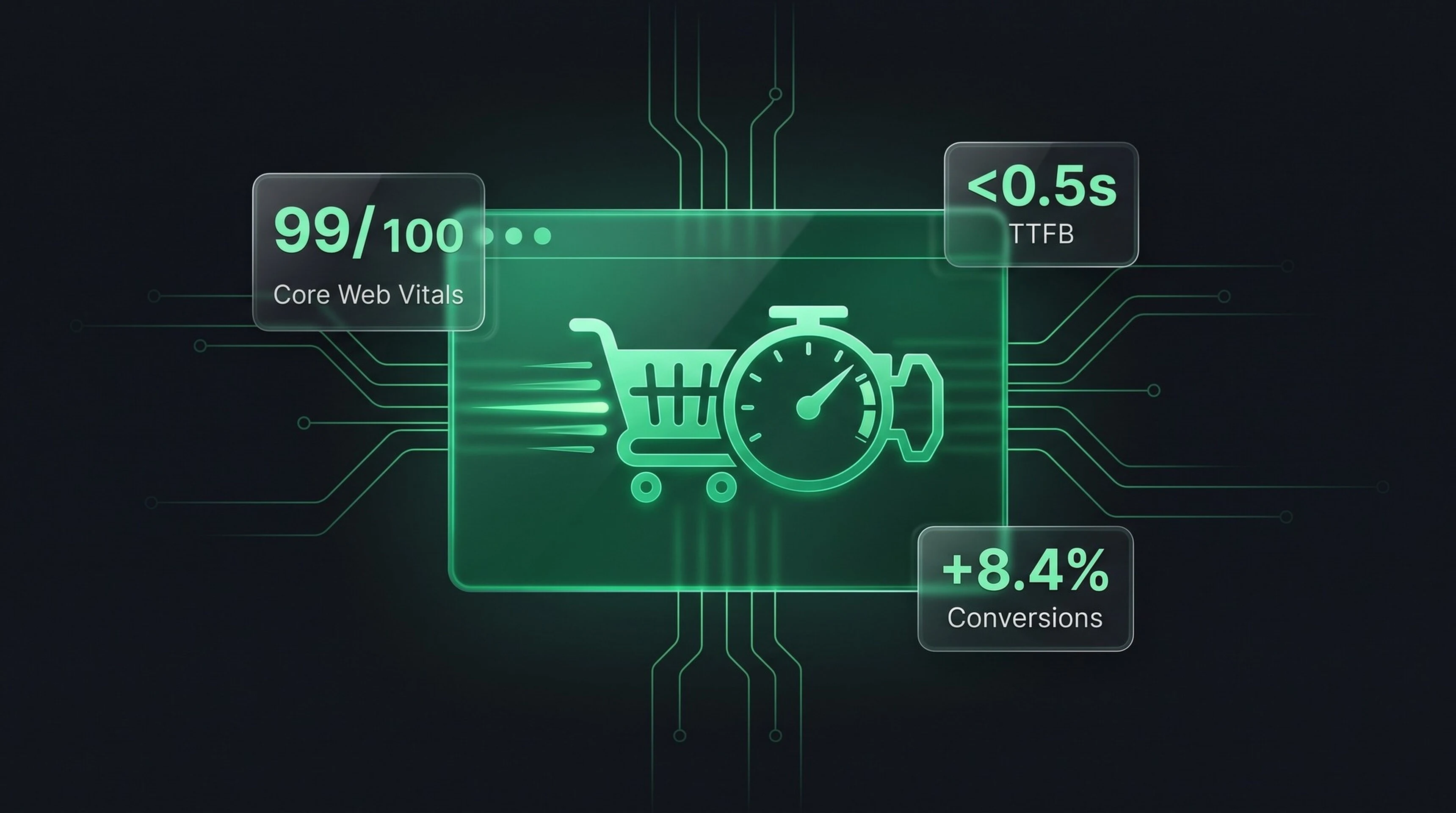
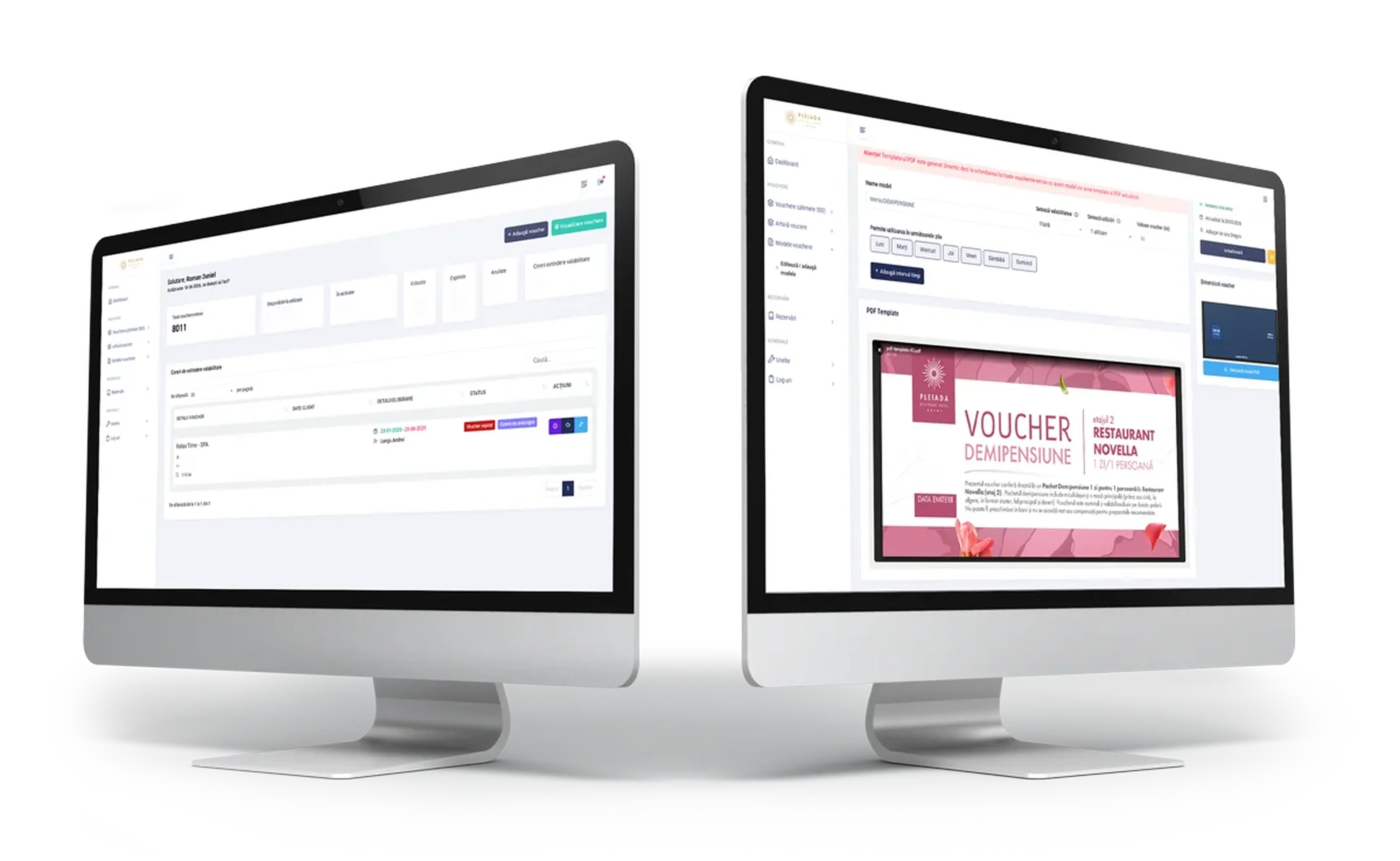
This CMS represented the transition from WordPress and other website builders to a custom structure, optimized to solve clients' actual problems as well as development and maintenance hurdles. The CMS yielded impressive load times and an SEO optimization level far superior to what traditional CMS platforms can offer, alongside advanced integration with Google tracking systems.
- PHP 7.2+
- MYSQL
- MARIADB
- BOOTSTRAP
- JAVASCRIPT
- CSS
February 2023
Completed

Roman
Daniel-Gabriel
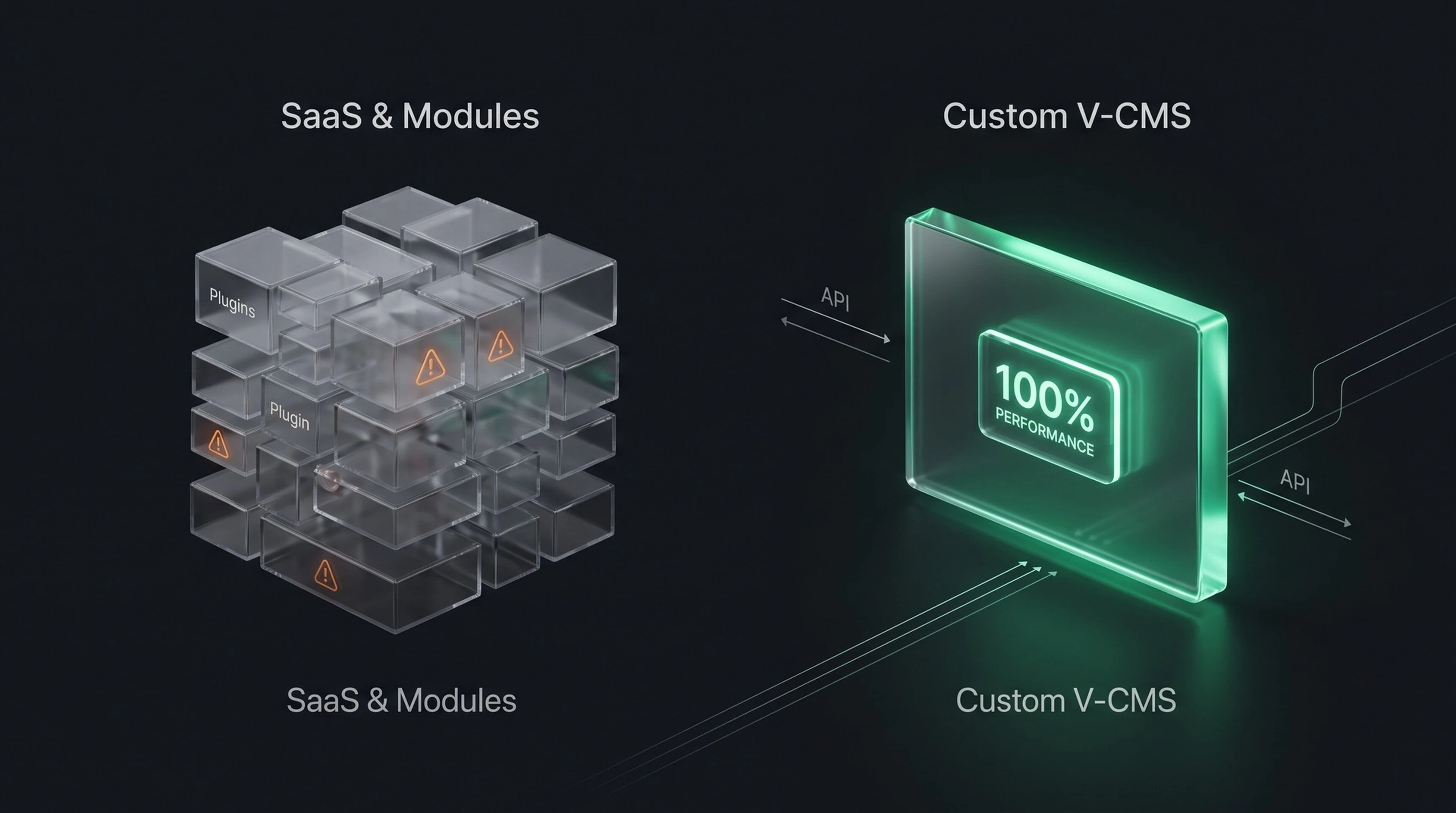
Moving away from Traditional CMS Platforms to Custom Code and Proprietary CMS
For a period of about 2 years, I stopped delivering presentation websites on WordPress and shifted to static websites built with CodeIgniter 3. Why? Because a WordPress site ages like milk. It requires constant maintenance, and its out-of-the-box performance (load times, SEO, and accessibility) falls below average. While these aspects can be enhanced via dedicated plugins, doing so introduces vulnerabilities and single points of failure over time, and ultimately leaves the site poorly competitive anyway.
In the long run, these issues inevitably demand a complete overhaul every 2 to 4 years. Furthermore, configuration, content population, and the general workflow are laborious tasks that are uninteresting for the developer and needlessly expensive for the client.
Other Solutions: SaaS Applications
SaaS applications such as Wix, Squarespace, or Weebly start off with an advantage in terms of customization ease and long-term stability. However, subscription-based pricing models make the project increasingly cost-inefficient over time, and your data remains tethered to those third parties. Many companies still prefer a higher, one-time payment per project over recurring monthly fees.
Why V-CMS?
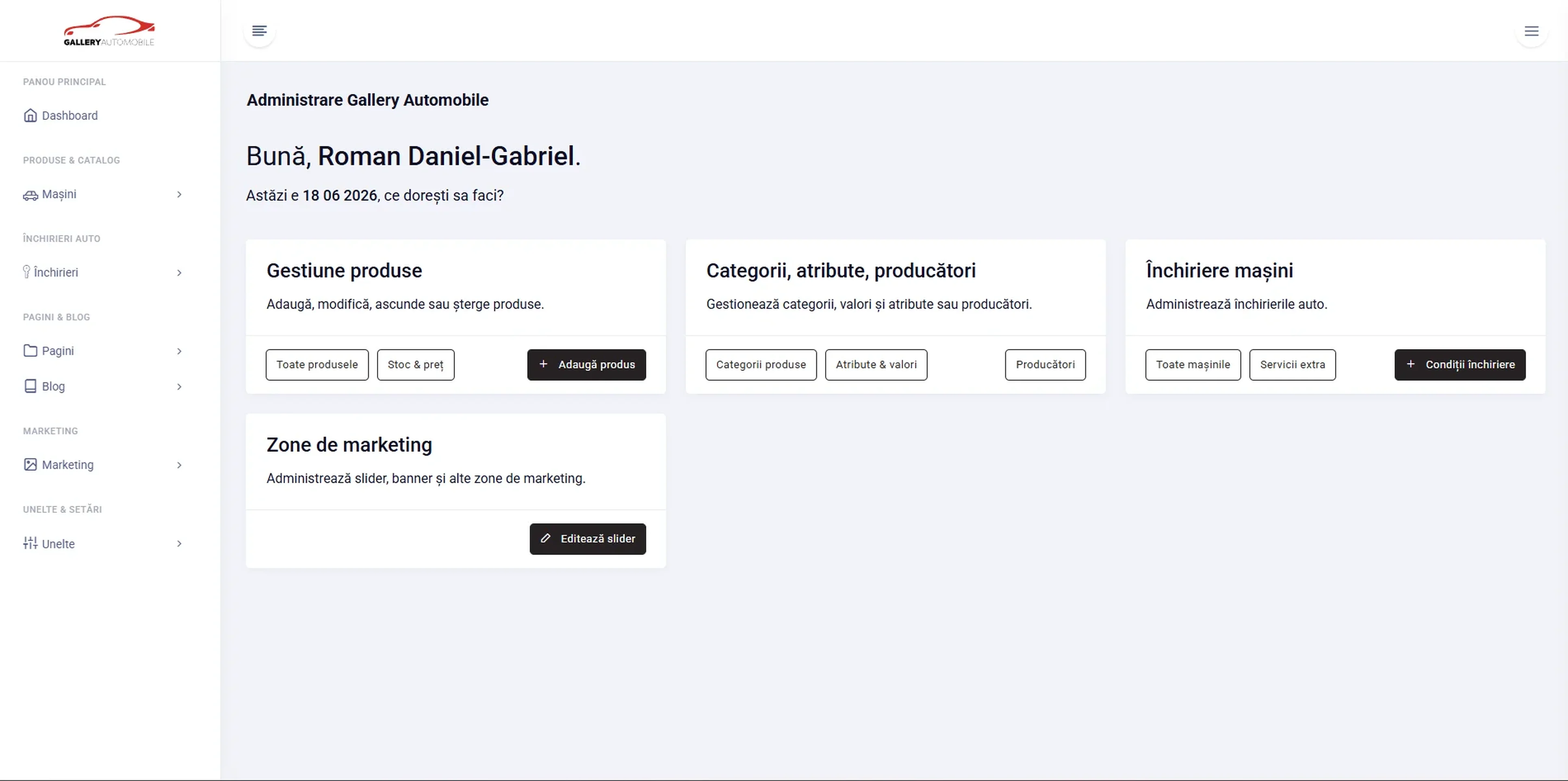
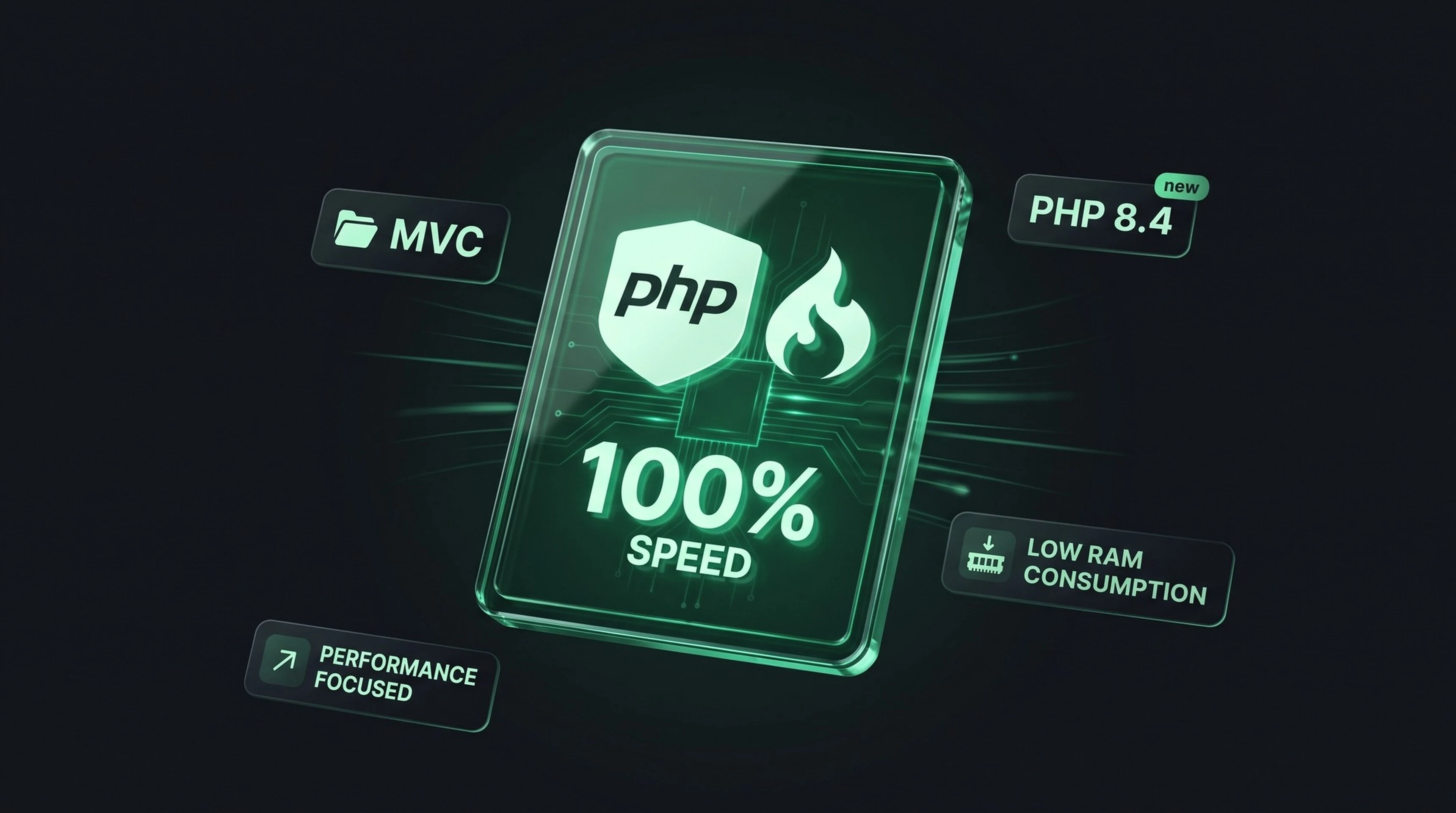
V-CMS serves as a bridge between traditional CMS options and the stability of SaaS platforms. Being built on CodeIgniter 3, it is a highly minimalist and fast CMS. Additionally, it makes developing new, client-specific features incredibly straightforward.
The administration dashboard is built on Bootstrap and utilizes a curated collection of JavaScript libraries for its functionality:
- Bootstrap (for UI layout)
- EditorJS (for content editing)
- DataTables (for displaying and performing operations on tables)
- GLightbox and FilePond
- HTMX (introduced in the final iterations)
- A variety of smaller libraries for specialized inputs.
It relies on a classic MVC architecture that is easy to reason about, paired with solid security defaults and a workflow so simple it was virtually impossible to break. Most importantly... it is incredibly fast. A web application built on this system can effortlessly handle 300,000 monthly visitors on a shared 5-to-8 euro server without breaking a sweat.
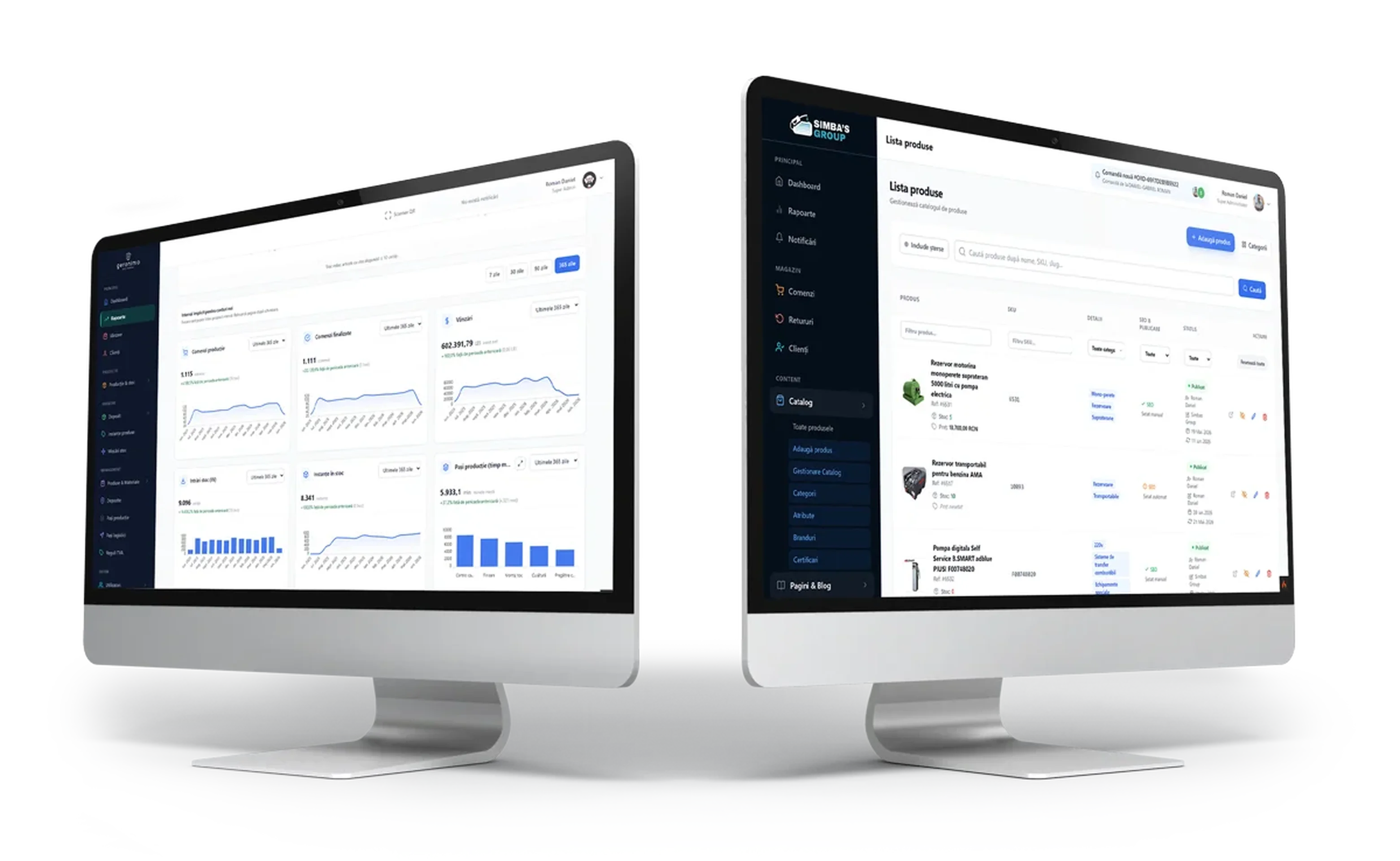
This system powers consiliere.ub.ro, galleryautomobile.ro, rezervoaremotorina.ro, meniu.novella.ro, tralaladsn.ro, and a multitude of private applications used internally for data management.
The Weak Spots
The system was the perfect fit for niche applications with a limited scope. Although highly stable, it relied on technologies that were already somewhat dated from day one. The primary deployment and maintenance workflow was handled via FTP synchronization directly through Sublime Text (as the saying goes: if it's stupid and it works, it ain't stupid).
It wasn't strongly typed; it didn't utilize Code Sniffer rules, automated testing, database migrations, or custom services; and databases were designed and deployed manually straight from the cPanel interface.
The Evolution: V-CMS 2.0
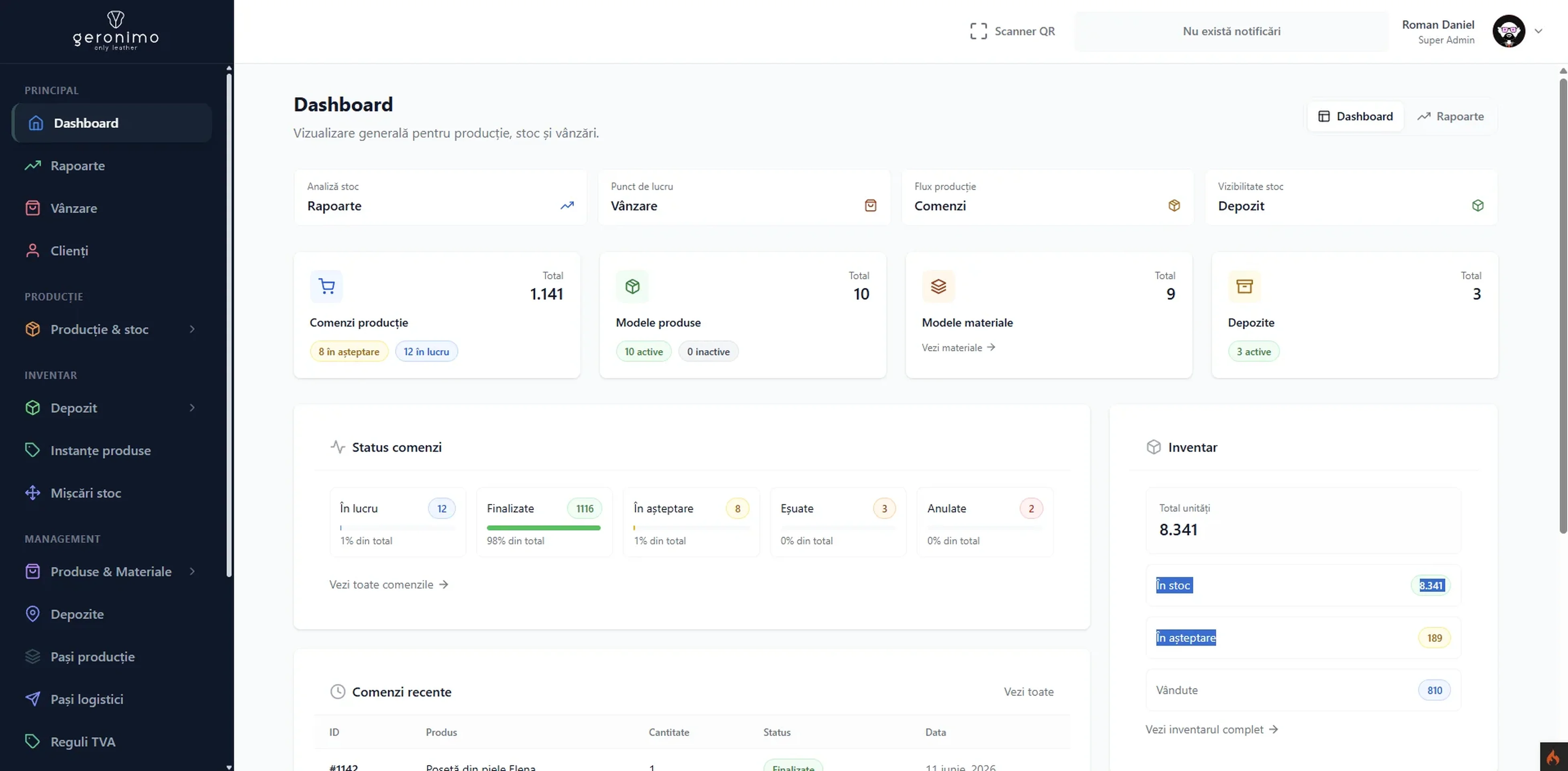
Initiated at the end of 2025 while working on an enterprise Symfony project, V-CMS 2.0 was designed as a modern execution framework for PHP applications, natively tailored for AI assistance.
It comes out of the box with database migrations, services, entities, containerized local development via Docker, a robust staging pipeline, strongly-typed PHP code, asynchronous/multi-threading capabilities, and much more. If you are interested in following the project's progress, you can read more details here.
Ready to launch high-performing software that actually drives revenue?
Let us discuss your catalog, business workflow, and timeline.
You will get an honest technical assessment and a clear path to launch.